If you’ve got more than one card in your wallet — a debit card here, a credit card there, maybe a prepaid card you keep forgetting about — you know the drill. Checking one balance means opening one app, checking another means switching to a different one. It’s not complicated, but it is tedious.
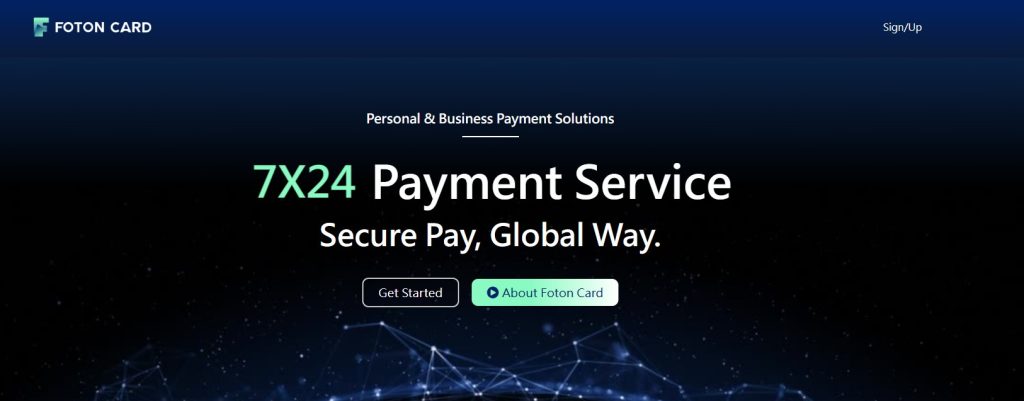
FotonCard solves this by putting all your card balances and transaction history in a single view. No frills, no payment features, just a clean dashboard for your money.
So What Exactly Is It?
FotonCard is a personal card account management tool. You sign up with an email, link your cards, and from that point on you can see every card’s status, balance, and recent activity from your phone or computer. The interface supports both English and Chinese, and it works the same way across devices.
The key distinction here is that FotonCard doesn’t try to be a bank or a payment app. It’s purely a place to see your financial picture. You’re not sending money through it or storing funds — you’re just looking at what you already have, all in one place.
The Balances Are Verified, Not Estimated
This is the part that stands out to me. Most financial dashboards show you a balance that might be delayed, estimated, or just pulled from an API without much verification. FotonCard does something simpler: it only displays a balance once it’s been confirmed. Deposits show as “credited” only after they’ve actually cleared and the balance has been updated. What you see on screen is what you actually have. No guessing, no “pending” ambiguity.
Transaction History That Actually Makes Sense
Every swipe, every refund, every authorization gets listed out with the date, type, and status. It’s not a raw bank statement dump — it’s organized so you can scan through it quickly. Ever forgotten when you last used a card for something? This makes it easy to find.
What About Security?
Card numbers, CVVs, and PINs are masked at all times — only the last four digits are ever shown, both on the homepage and inside the app. Login is tied to your verified email account, and card data only loads after ownership is confirmed. In short, your information is visible only to you.
Getting Started Takes About Two Minutes
Create an account with your email, confirm via the verification link, log in, and you’re set. There’s no complicated onboarding, no third-party integrations to configure, nothing like that.
Is It Worth Trying?
If you only have one card, you probably don’t need this. But if you’re juggling multiple cards from different banks or for different purposes — personal, business, travel, whatever — and you just want a single, clean place to check balances and recent transactions, FotonCard does the job well. It doesn’t try to do too much. It just gives you a clear picture of what’s yours.
You can check it out at FotonCard.