Challenges of Deploying Z-Image Locally Using ComfyUI
Admittedly, deploying the Z-Image LLM locally via ComfyUI is the mainstream approach right now. However, I realize it’s not for everyone—myself included—and it’s quite possible that your hardware may not even support running ComfyUI.
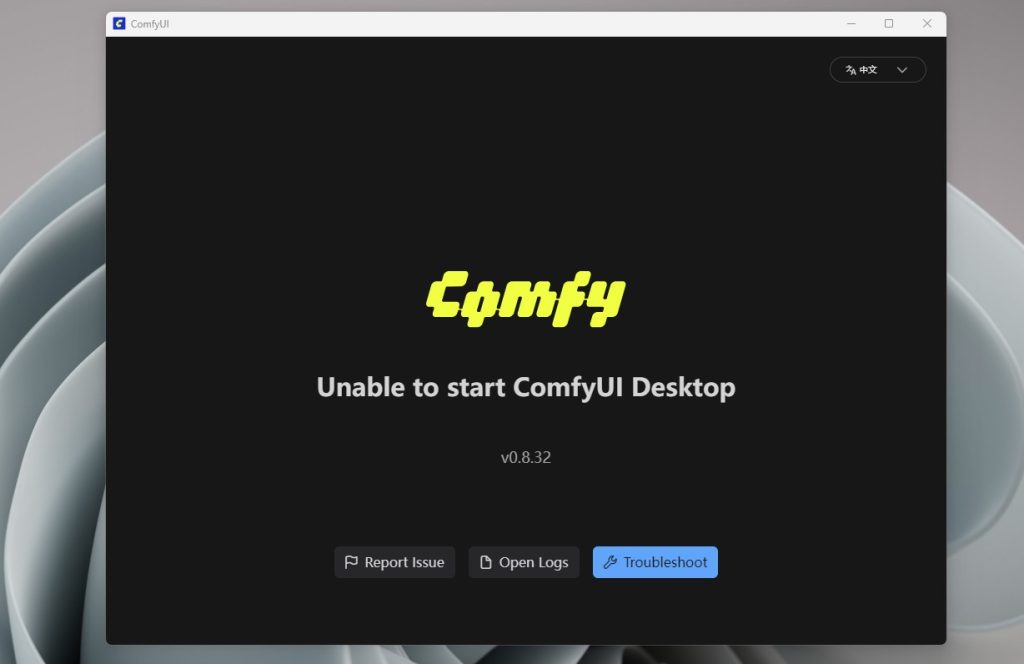
ComfyUI is undoubtedly powerful, but it can be quite a headache to use. This is especially true for beginners or users who aren’t well-versed in Python and dependency management—the pain points are very real.
The most notorious pitfall is the “dependency hell.” You install a custom node, only to find it requires a specific library version that conflicts with your local setup, causing ComfyUI to crash instantly. Users often complain that updating the core software breaks their custom nodes. Then you’re stuck digging through logs, fixing paths, and reinstalling dependencies one by one just to get the workflow running again.
Then there’s the issue of “workflow sharing.” When you download a workflow from someone else, you often have to manually install every missing node, download the models, and reconfigure the paths—it’s a massive hassle. Sometimes authors don’t list all the dependencies, or they use hardcoded paths that lead to endless errors on your local machine. Many in the community have suggested that ComfyUI should support “workspace packaging”—bundling nodes and models together to make sharing truly seamless.
Furthermore, updates can be a real nightmare. While ComfyUI itself updates frequently, many custom nodes often fall out of sync, leading to compatibility breaking. Users are forced to manually check versions on GitHub, handle updates themselves, or manage complex virtual environments (venv)—which creates a significantly high entry barrier for the average user.
Then there’s the “environment configuration” itself. Windows users often run into DLL conflicts, path errors, and SSL verification failures. Mac users face permission hurdles, while Linux users frequently deal with missing system libraries. You’re forced to troubleshoot these issues one by one, which is a far cry from a “one-click install” experience.
In summary, ComfyUI’s strength lies in its flexibility and customizability, but the trade-off is complex configuration and high maintenance costs. As many users have pointed out, it’s a paradise for “power users,” but for those who just want to “get up and running quickly,” it’s far from user-friendly.
A Super Simple Way to Deploy Z-Image Locally
WaveSpeed AI is a leading LLM aggregation platform service provider based in Singapore, operated by WaveSpeedAI PTE. LTD. Leveraging Singapore’s unique geopolitical position, WaveSpeed AI capitalizes on strategic geographic, economic, and policy advantages amidst the US-China AI competition. By remaining outside the direct reach of trade and technology conflicts, as well as being exempt from US export controls or China’s data localization mandates, the company serves as a “super node” connecting global computing power, data, and algorithms. This enables WaveSpeed AI to provide developers worldwide with a secure, compliant, and cutting-edge neutral playground to freely integrate the world’s finest AI models, forming the core competitive advantage for both individual and enterprise services.
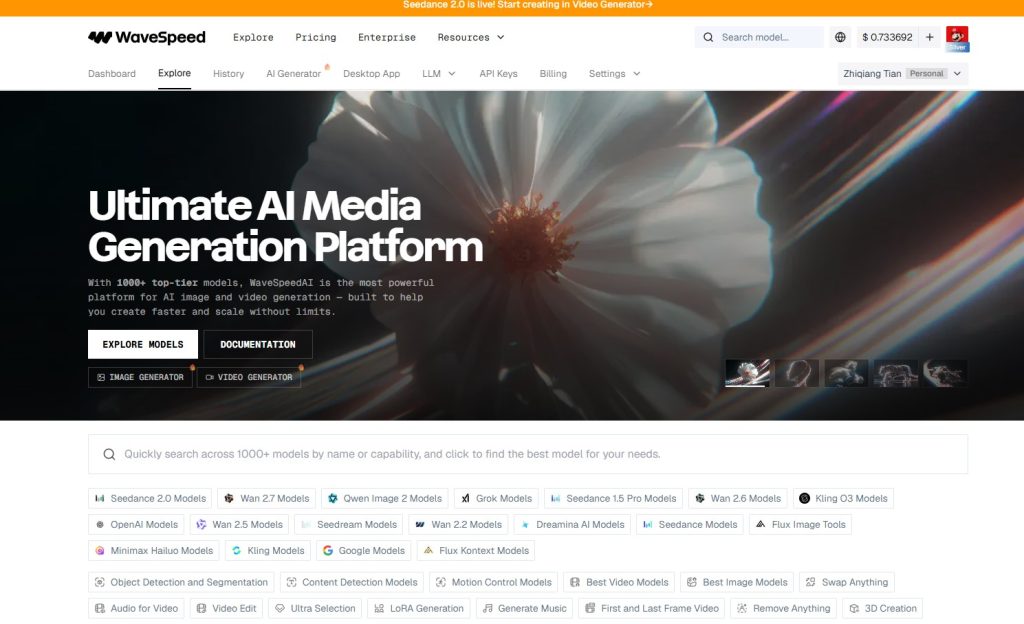
WaveSpeed AI aggregates dozens of the world’s leading large models, including Grok, SeedDance 2.0, Wan, Qwen, Kling, OpenAI, SeedDream, Dreamina, Flux, MiniMax, Google Gemini, Runway, and Hunyuan. When expanded to specific model variants, the selection reaches into the hundreds. For the average user, the resources are so abundant that they are almost overwhelming!
WaveSpeed AI provides a local desktop console known as WaveSpeed Desktop. In addition to using AI through the WaveSpeed web interface, you can also utilize WaveSpeed Desktop on your local machine to generate images and videos via API calls. In my experience, it is an exceptionally effective and user-friendly tool.
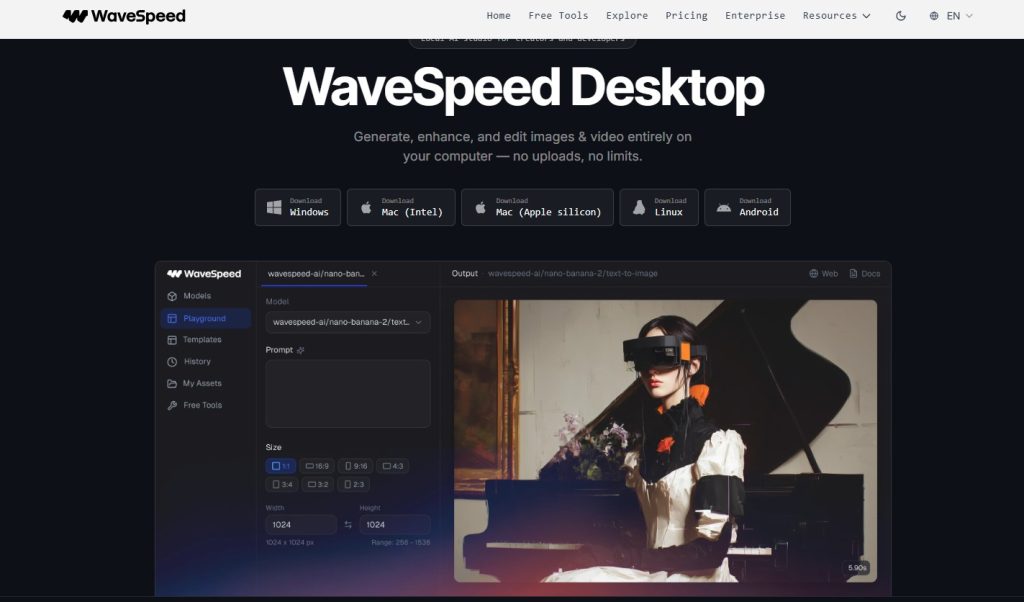
Most importantly, WaveSpeed Desktop comes with integrated support for Z-Image. As long as your hardware specs are decent, you can deploy Z-Image with just a single click. It’s significantly more convenient than the complex setup required by ComfyUI.
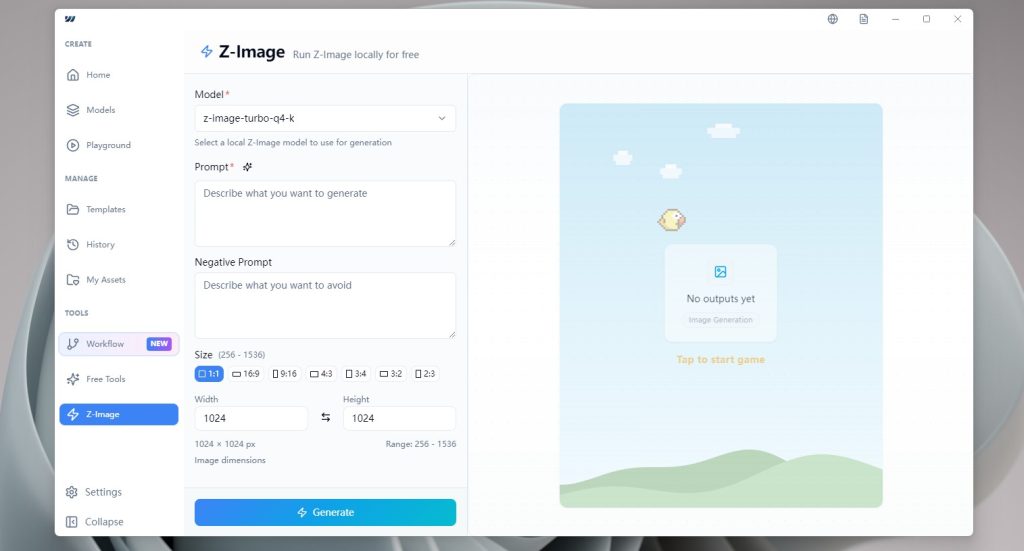
Once you download and install WaveSpeed Desktop from the WaveSpeed AI website, you’ll see the Z-Image option. Simply enter your prompt, and the system will automatically handle the download of the Z-Image LLM for you.
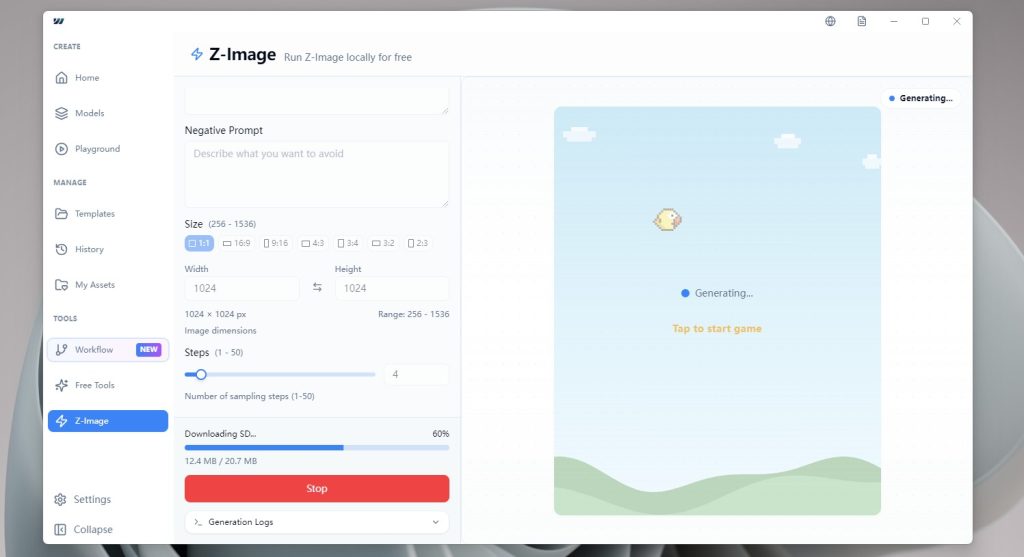
Once the download is complete, you can start generating images with Z-Image. Since the model runs entirely on your local machine, it won’t consume any of your WaveSpeed AI balance.
This way, you get the best of both worlds: you can access WaveSpeed AI’s premium models on a pay-as-you-go basis while running Z-Image locally for free. It’s a brilliant hybrid approach to maximizing efficiency while keeping costs at a minimum.
Go to the WaveSpeed AI website to download the WaveSpeed Desktop App.